

Turn Your Pricing Spreadsheet into Rules That Run on Every Product
Shopify gives each variant a single cost field. Most businesses have more than that: freight, duties, a marketplace commission, a rate that moves with the exchange rate or the price of a raw material. That calculation usually lives in a spreadsheet, and its result gets typed back into Shopify by hand.
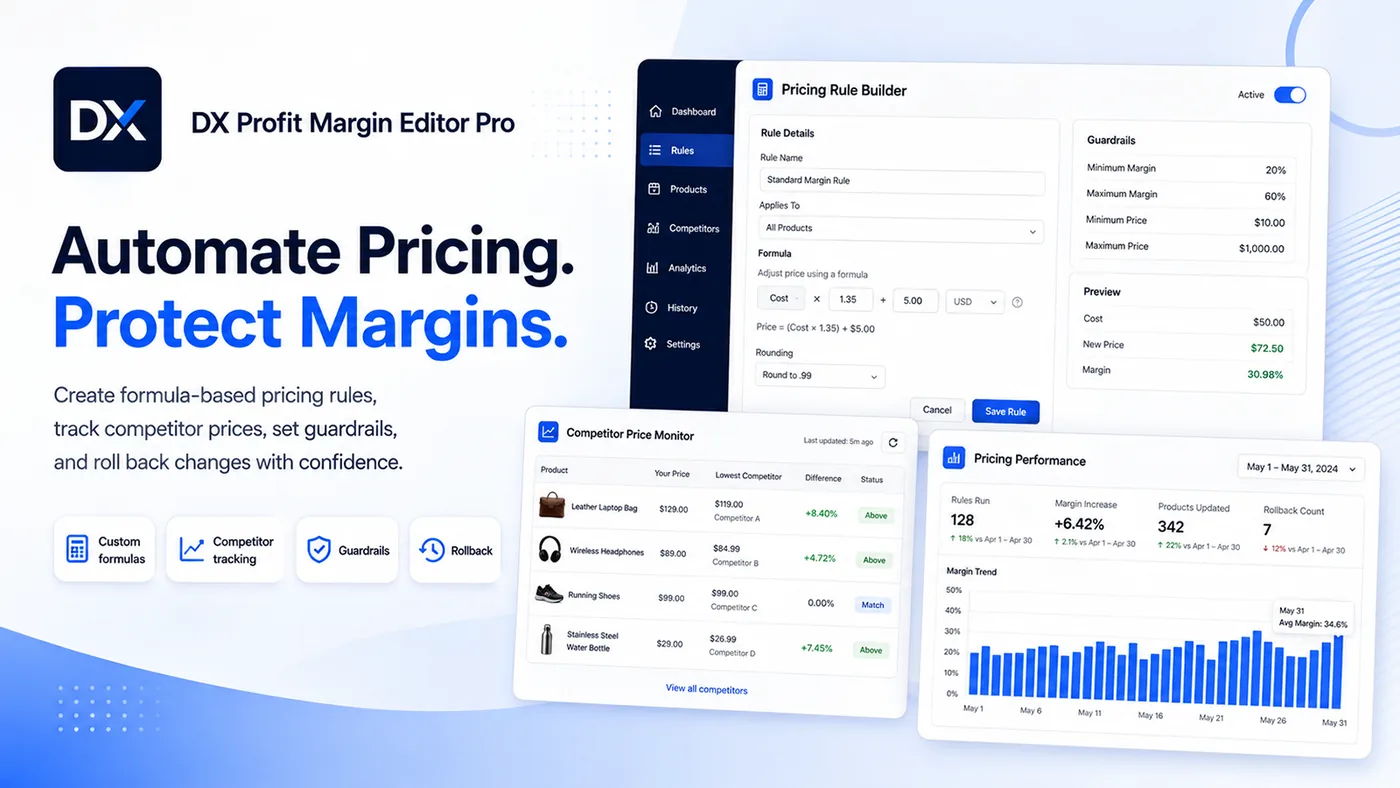
DX Profit Margin Editor Pro is where that calculation lives instead. Describe how your prices are worked out once, set the limits a price must never cross, and apply the rule to your whole catalogue. Every run is reversible to the exact prices you had before.
Key Features:
- Cost Rules
- Add freight, duties, commissions and FX on top of Shopify's single cost field to get the landed cost you actually price from.
- Custom Formulas
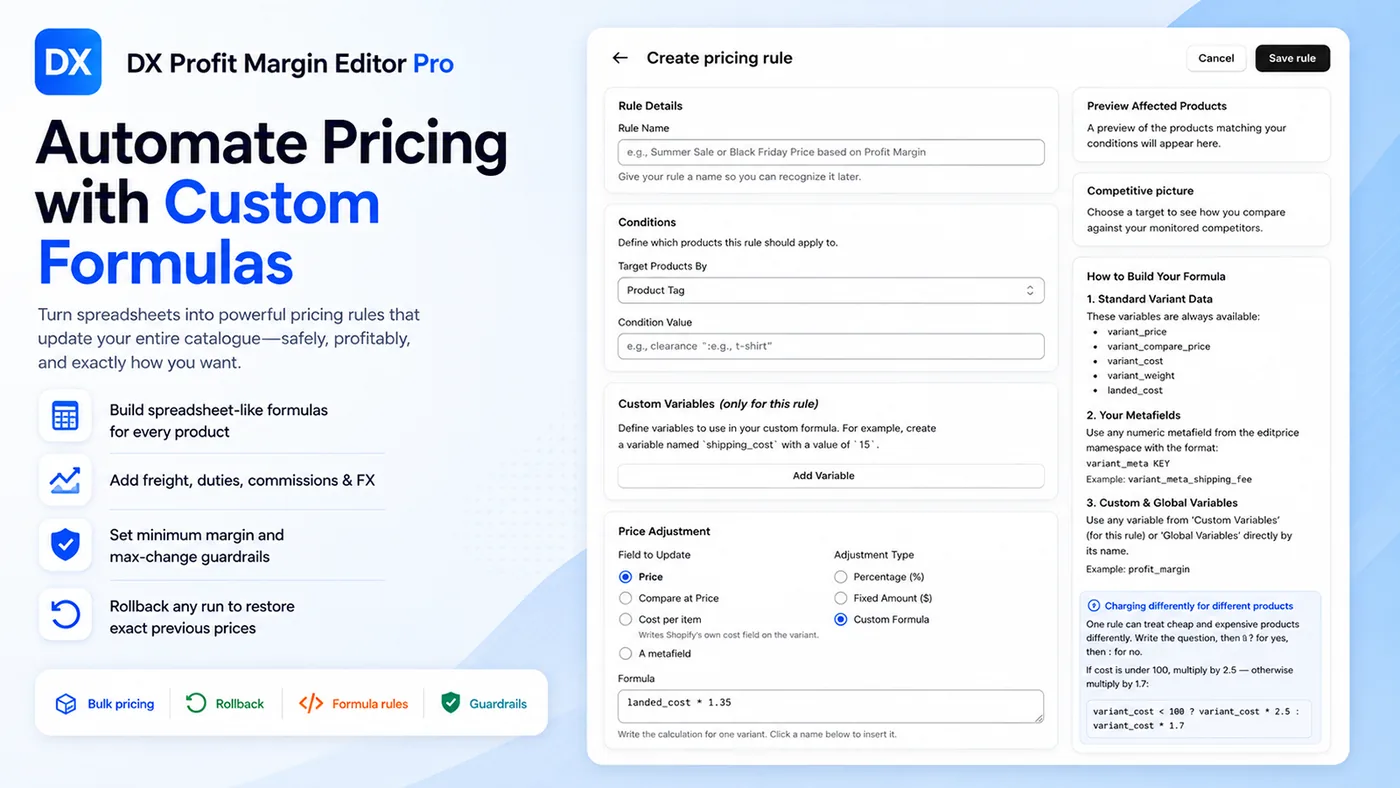
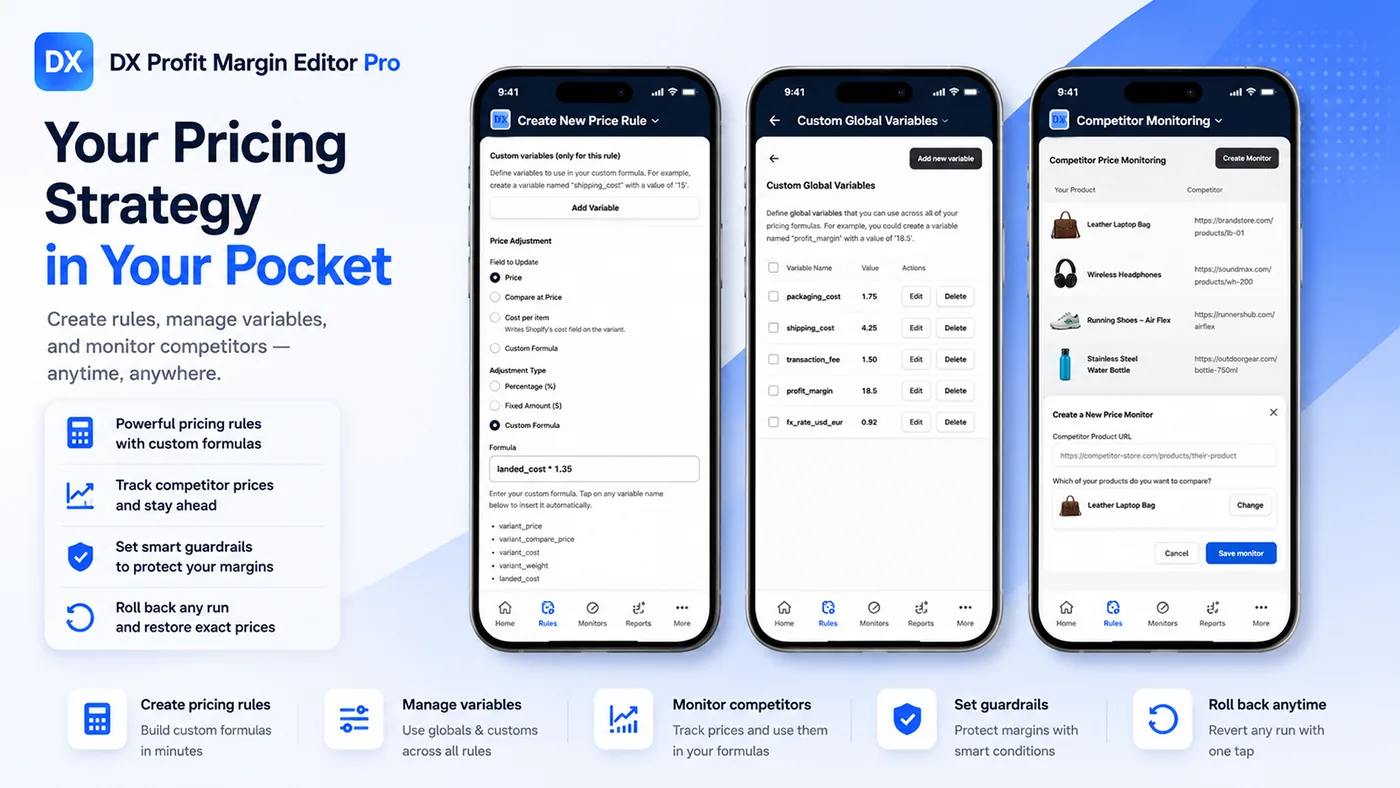
- Write spreadsheet-style formulas with variant data, metafields and your own variables. Conditional expressions let one rule treat cheap and expensive products differently.
- Guardrails
- Set a minimum margin or a maximum change per run. A variant that would breach a limit is skipped, not clamped.
- Rollback & Price History
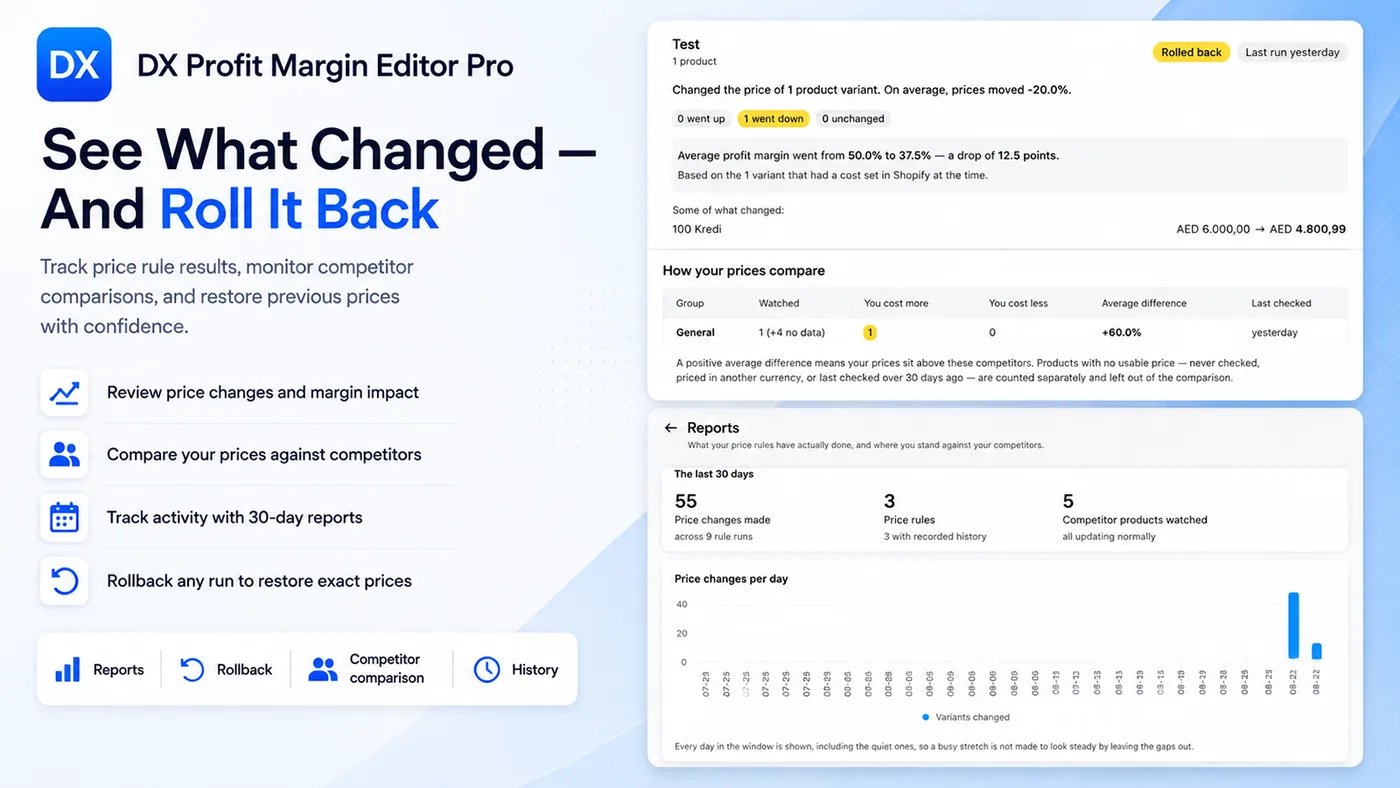
- Undo any run with one click and restore the exact price each variant had. Price history is kept for every change.
- Competitor Tracking
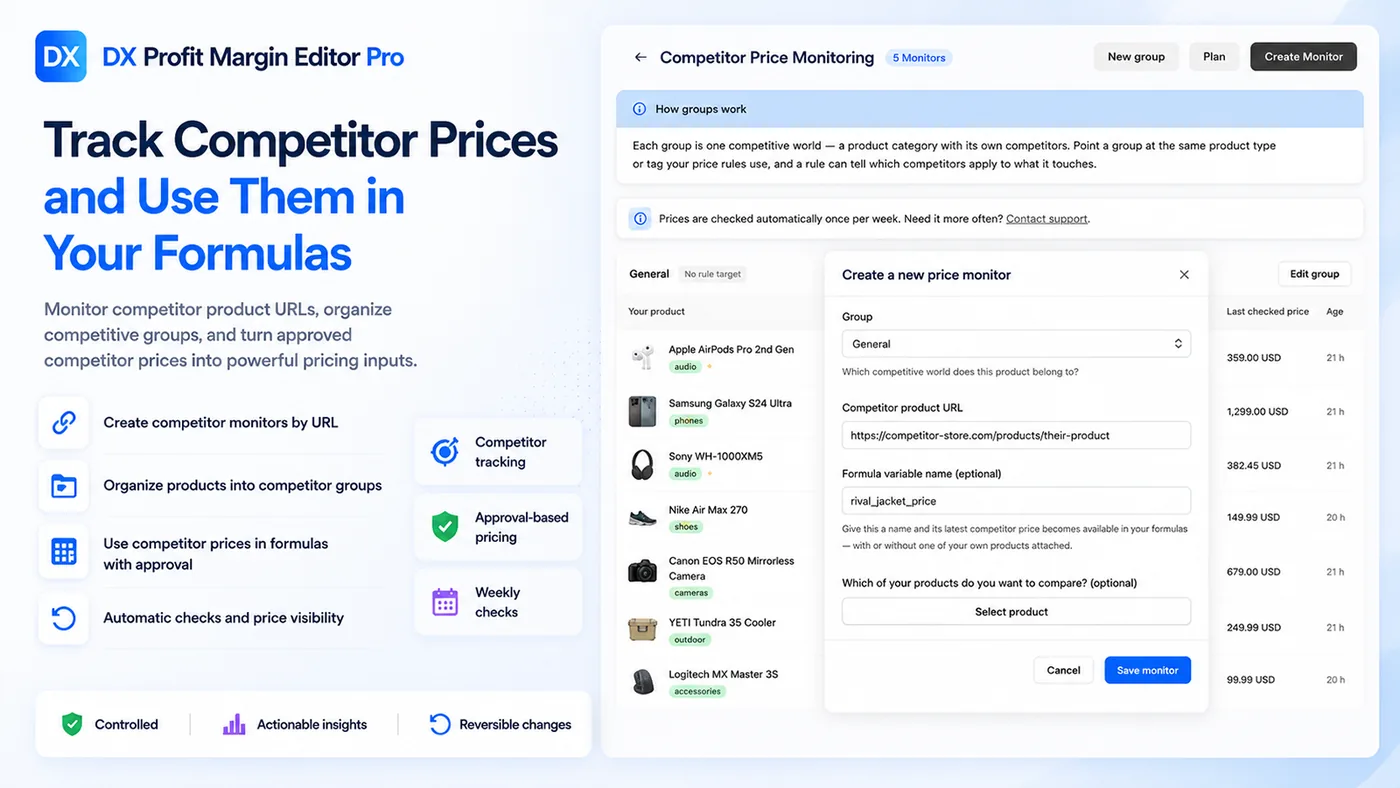
- Follow competitor products, watch their prices and use them in formulas. Changes only go live with your approval.
- Bulk Editing, Also on Mobile
- Update price, compare-at price, cost per item or a metafield across your catalogue, from the Shopify admin on desktop or mobile.
Screenshots:
How It Works:
-
Step 1: Describe Your Costs
Create cost rules for the layers Shopify's cost field does not know about: freight, duties, commissions, currency or material rates. Together they produce a landed cost for every variant.
-
Step 2: Write a Pricing Rule
Choose which products the rule targets, which field it updates, and how: a percentage, a fixed amount or a custom formula. Then set the guardrails the rule must respect.
Example formulas:
landed_cost * 1.35 variant_cost < 100 ? variant_cost * 2.5 : variant_cost * 1.7 variant_meta_shipping_fee + landed_cost * profit_margin -
Step 3: Preview, Apply, Undo if Needed
Preview the affected products, apply the rule to your catalogue in bulk and check the result. If anything looks wrong, one click rolls every variant back to its previous price.
Pricing:
- Unlimited price rules
- Unlimited cost rules
- Follow up to 10 competitor products
- 7-day free trial
- $159.90 per year on annual billing
- Unlimited price rules
- Unlimited cost rules
- Follow up to 20 competitor products
- 7-day free trial
- $199.90 per year on annual billing
- Unlimited price rules
- Unlimited cost rules
- Follow up to 30 competitor products
- 7-day free trial
- $239.90 per year on annual billing
- Unlimited price rules
- Unlimited cost rules
- Follow up to 50 competitor products
- 7-day free trial
- $319.90 per year on annual billing
Prices are in USD and billed through Shopify every 30 days. Annual billing saves 33%. See the App Store listing for the current plan details.
Frequently Asked Questions:
-
What is a cost rule?
A cost rule adds layers on top of Shopify's single cost field, such as freight, duties, a commission or a rate tied to an exchange rate, to produce the landed cost you actually price from.
-
What can a price rule change?
The variant price, compare-at price, cost per item or a metafield, using a percentage, a fixed amount or a custom formula. Rules target products by conditions such as tags.
-
Which variables can I use in a formula?
Standard variant data such as variant_price, variant_compare_price, variant_cost, variant_weight and landed_cost, any numeric metafield, plus custom and global variables you define. Conditional expressions are supported, so one rule can treat cheap and expensive products differently.
-
What happens if a rule would break my minimum margin?
The variant is skipped, not clamped. Minimum margin and maximum change guardrails are checked on every run.
-
Can I undo a price update?
Yes. One click restores the exact price each variant had before the run, and price history is kept.
-
How does competitor tracking work?
Follow between 10 and 50 competitor products depending on your plan. Their prices are tracked and can be used in your formulas, and nothing changes without your approval.
-
Is there a free trial?
Yes, every plan starts with a 7-day free trial. Annual billing saves 33%.
Install on the Shopify App Store
Support:
Need help building a formula, setting guardrails or with billing? Email support@dxwebdesign.com and we will get back to you. We reply in any language.